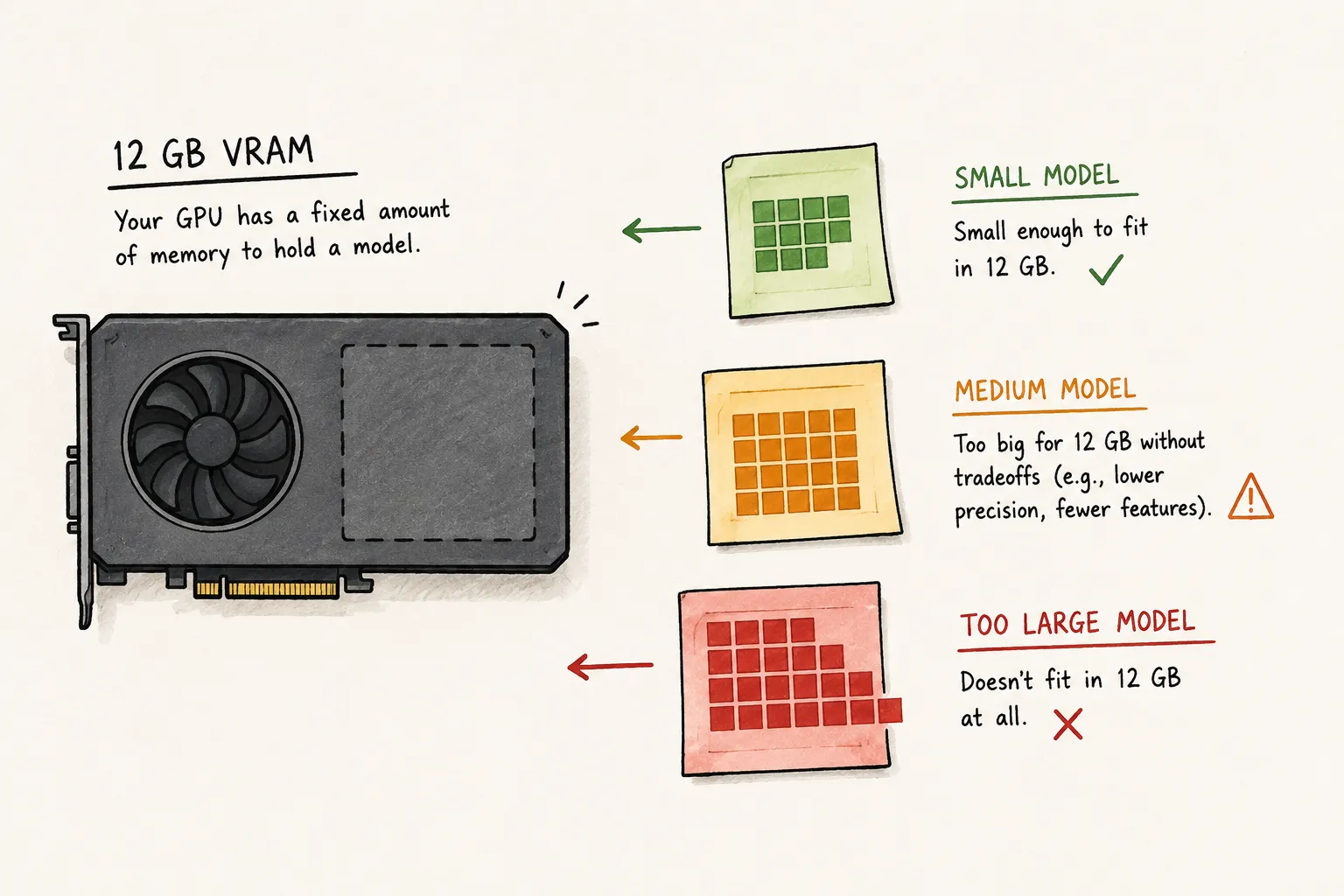
Running local LLMs is surprisingly easy to get wrong.
A model technically fitting into VRAM does not mean the setup is actually usable. Context length, KV cache growth, runtime overhead, quantization, and coding-agent workflows can completely change the hardware requirements.
That is why I built the LLM VRAM Calculator & Local AI GPU Planner.
The planner helps estimate:
- local LLM VRAM requirements
- GPU fit for different models
- Apple Silicon viability
- coding-agent workloads
- context-length scaling
- CPU-only inference tradeoffs
After more real-world testing, I updated the tool to better handle coding agents, Apple Silicon systems, and long-context workloads.
Coding Models vs Coding Agents
One thing I realized while dogfooding the planner is that “Coding” and “Coding Agent” are completely different workloads.
A lightweight coding assistant can get away with much smaller models and shorter context windows. Coding agents running through workflows like OpenCode, Claude Code, or Codex-style harnesses are much more demanding.
Once you start introducing:
- tool calls
- agent loops
- repository-wide reasoning
- long-context sessions
- structured outputs
the model requirements change pretty dramatically.
Some models that feel perfectly usable for autocomplete or small coding tasks become frustrating very quickly in agent-style workflows.
That distinction is now reflected in the planner recommendations.
Apple Silicon vs NVIDIA vs CPU-Only
The original version of the planner mostly assumed a desktop discrete GPU setup.
That turned out to be too limiting.
The planner now supports switching between:
- Discrete GPU
- Apple Silicon
- No GPU
Those environments behave very differently in practice.
Apple Silicon systems benefit from unified memory, which changes how memory pressure and model loading behave. CPU-only inference has very different latency and usability constraints. Discrete GPUs still dominate larger local inference workloads, especially for coding agents and long-context reasoning.
Separating those compute types made the recommendations much more realistic.
How Much VRAM Do You Actually Need for Local LLMs?
This is still the question people search for the most, and the answer is more complicated than it should be.
A quantized 7B model running at 8K context behaves very differently from a coding model running at 128K context with large KV cache growth.
That is why the planner breaks estimates into:
- model weights
- KV cache
- runtime overhead
- estimated total VRAM
In practice, context length is where many local setups start breaking down.
A model may technically fit while still becoming slow, unstable, or frustrating to use.
That becomes especially noticeable with coding agents, tool use, and larger repositories.
Why Most VRAM Calculators Feel Wrong
Most VRAM calculators treat local inference like static model weights loaded into memory.
That is only part of the story.
The actual experience depends heavily on:
- context length
- quantization
- runtime backend
- memory bandwidth
- offloading strategy
- KV cache growth
- storage speed
Two systems with similar VRAM can behave completely differently depending on the workload.
That is why I stopped trying to make the planner behave like a benchmark.
It works better as a planning tool that helps visualize constraints before buying hardware or wasting time debugging unrealistic local AI setups.
Try the Updated Planner
If you are trying to figure out:
- how much VRAM you need for local LLMs
- whether your GPU can run a model
- whether Apple Silicon is viable for local AI
- what models work best for coding agents
- how context length affects VRAM usage
You can try the updated tool here:
The estimates are still heuristic in places, but they are much closer to real-world local inference behavior than the original version.